[Scrambler]
[Scrambler]
by Jammers in Pajamas
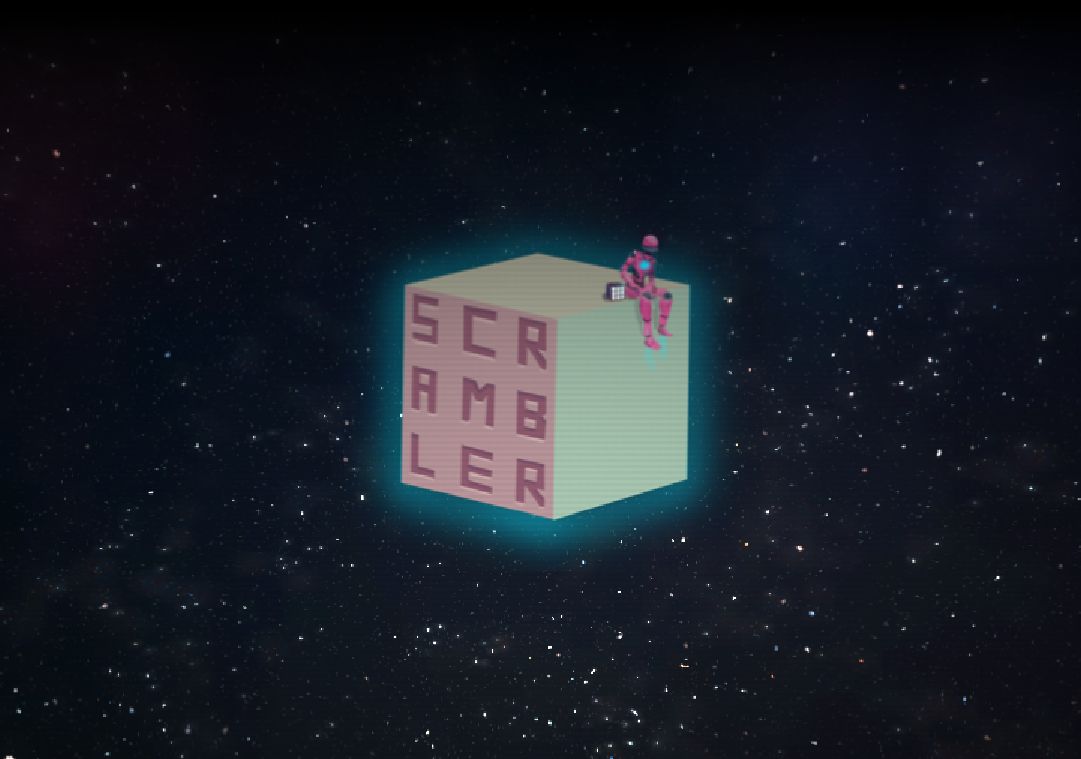
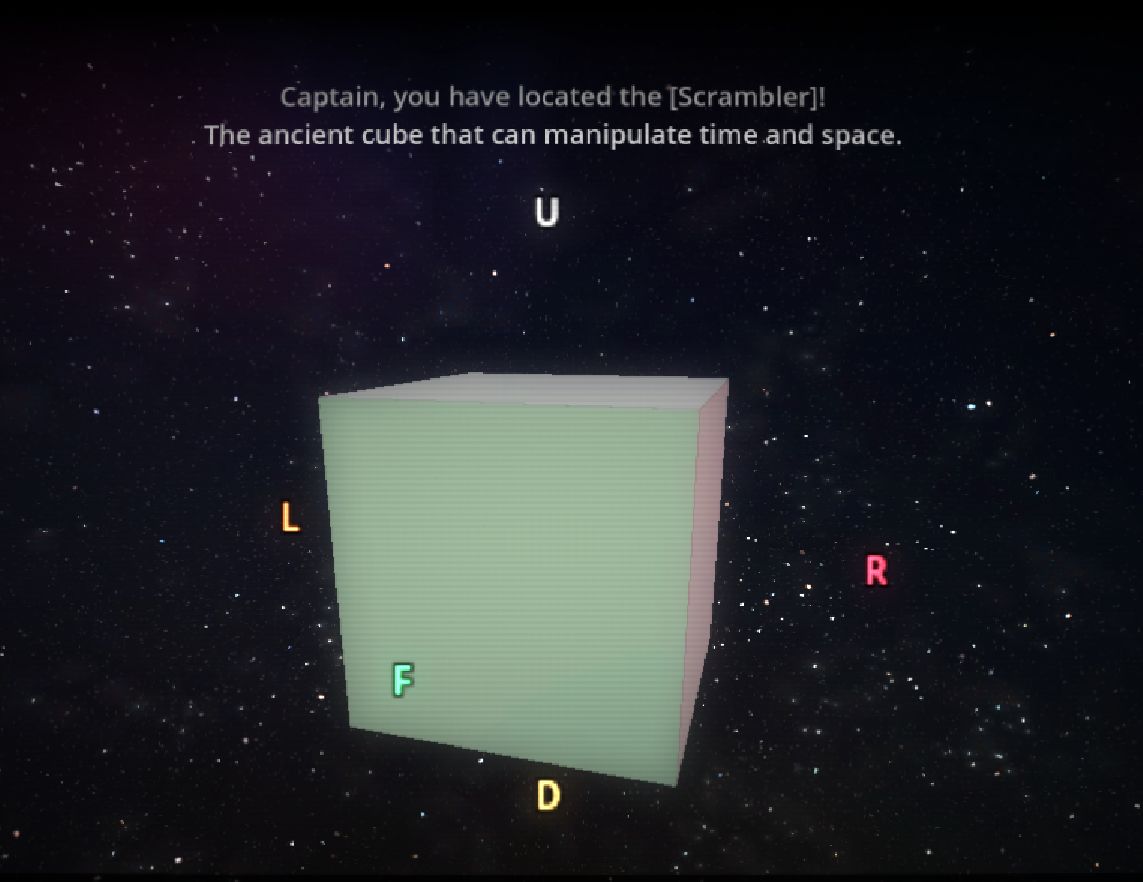
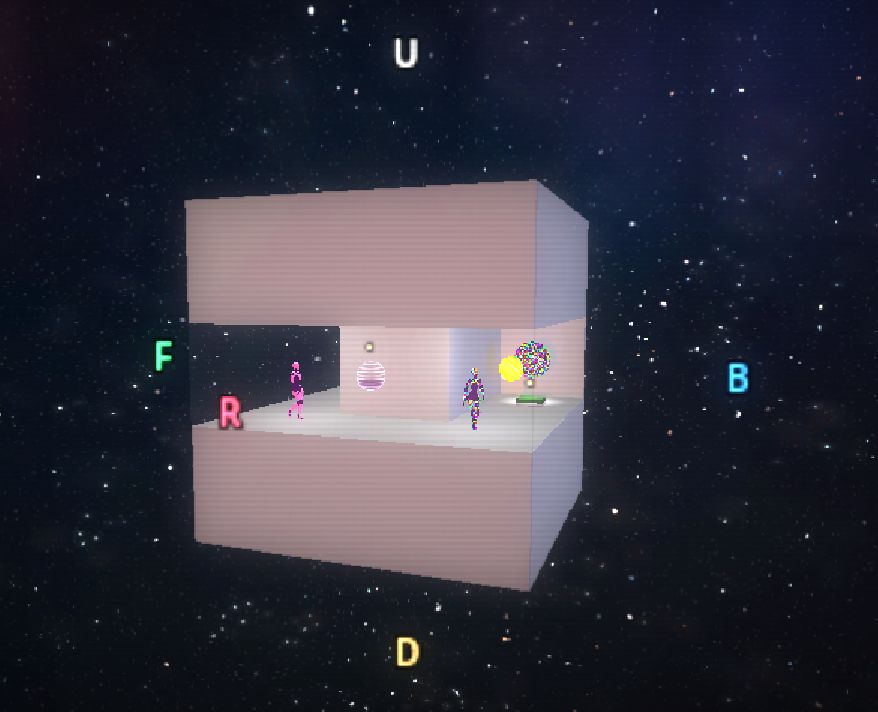
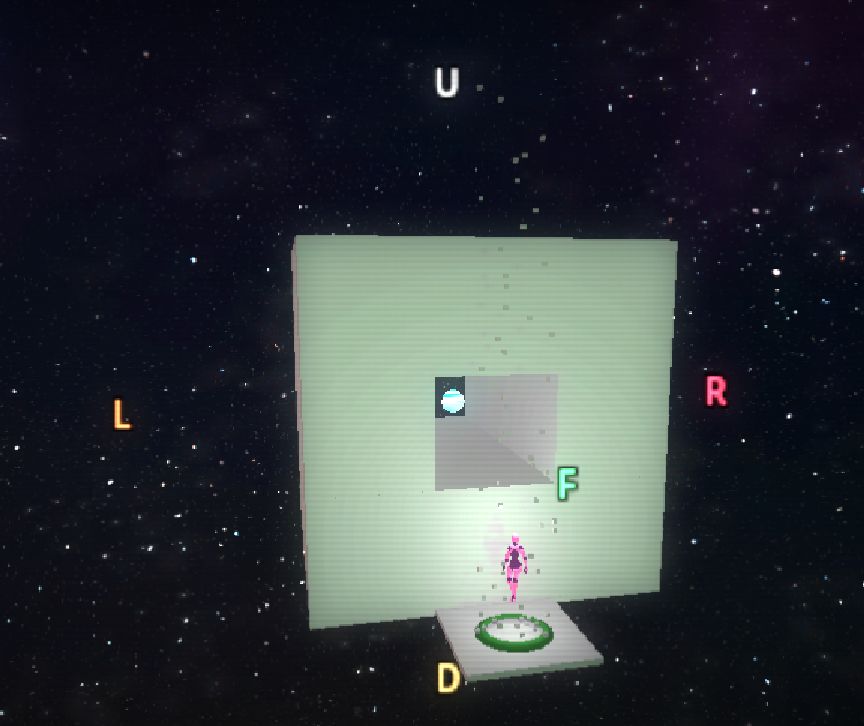
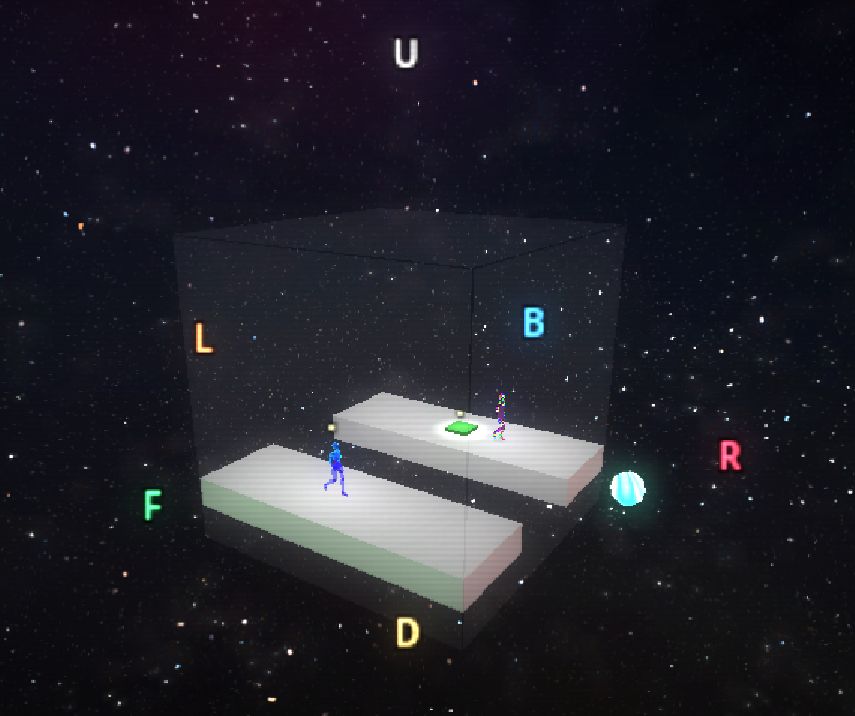
You are a space captain who has located the [Scrambler], an ancient cube that can manipulate time and space. Use it to aid allied units in collecting cores, pressing switches, activating anti-gravity pads, and avoiding corrupted entities.
[Scrambler] is a puzzle game that can be played with a 3x3 cube as alternative controller. The cube's gyroscope controls the camera rotation and twisting the cube's sides manipulates slices of space in the game.
Players without a compatible cube can use the mouse, keyboard, gamepad, or touchscreen (for mobile).
Best played in fullscreen mode.
[Controls]
A.) 3x3 Cube
- See https://github.com/afedotov/gan-web-bluetooth?tab=readme-ov-file#gan-smart-cubes for the list of compatible cubes.
- Only tested with GAN356 i 3 so far.
| Cube Action | Game Action |
| Twist side of cube | Twist side of cube |
| Rotate cube (if has gyroscope) | Rotate camera |
| Shake cube (if has gyroscope) | Restart mission |
B.) Mouse / Touchscreen
| Mouse / Touch Action | Game Action |
| Drag outside cube | Rotate camera |
| Swipe side of cube | Twist side of cube |
C.) Keyboard
| Key | Game Action |
| Arrow Keys | Rotate camera |
| R | Twist right side of cube clockwise |
| Shift+R | Twist right side of cube counter-clockwise (R') |
| L | Twist left side of cube clockwise |
| Shift+L | Twist left side of cube counter-clockwise (L') |
| U | Twist top side of cube clockwise |
| Shift+U | Twist top side of cube counter-clockwise (U') |
| D | Twist bottom side of cube clockwise |
| Shift+D | Twist bottom side of cube counter-clockwise (D') |
| F | Twist front side of cube clockwise |
| Shift+F | Twist front side of cube counter-clockwise (F') |
| B | Twist back side of cube clockwise |
| Shift+B | Twist back side of cube counter-clockwise (B') |
| Backspace | Restart mission |
| Tab | Select mission |
| Esc | Exit |
D.) Gamepad
| Key | Game Action |
| D-Pad | Rotate camera |
| ○ | Twist right side of cube clockwise |
| L1+○ | Twist right side of cube counter-clockwise (R') |
| □ | Twist left side of cube clockwise |
| L1+□ | Twist left side of cube counter-clockwise (L') |
| △ | Twist top side of cube clockwise |
| L1+△ | Twist top side of cube counter-clockwise (U') |
| X | Twist bottom side of cube clockwise |
| L1+X | Twist bottom side of cube counter-clockwise (D') |
| R1 | Twist front side of cube clockwise |
| L1+R1 | Twist front side of cube counter-clockwise (F') |
| R2 | Twist back side of cube clockwise |
| L1+R2 | Twist back side of cube counter-clockwise (B') |
| START | Restart mission |
| SELECT | Select mission |
[Connecting a Cube]
NOTE: The game uses Web Bluetooth to connect the cube and it is experimental at the moment. We're exploring other ways to make it easier to play with a cube.
- Download scrambler-html-cube.zip.
- Unzip the file.
- Use a web server to host the game. One way is to cd inside the scrambler-html directory, run python3 -m http.server, then go to http://localhost:8000.
- Follow the instructions inside the game.
- Enjoy!
[Credits]
- https://github.com/afedotov/gan-cube-sample
- https://www.mixamo.com/#/?page=1&type=Character
- https://github.com/lukky-nl/third_person_controller_assets
- https://ambientcg.com/view?id=NightSkyHDRI007
- https://godotshaders.com/shader/lightweight-crt-effect/
- https://godotshaders.com/shader/the-pain-shader/
- https://godotshaders.com/shader/warp/
- https://godotshaders.com/shader/magical-shield-shader-2/
- https://godotshaders.com/shader/x-ray-vision-effect/
- https://godotshaders.com/shader/pulse-aura-for-3d-character/
Download
Comments
Log in with itch.io to leave a comment.
Played this game at PGDX 2025! Really fun and I love the tactile feeling of using the bluetooth Rubiks Cube controller
Thank you for playing!